If you work frontend in crypto, you know the vibe. Security constraints, real time data, users on everything from ancient Android phones to the latest flagships. And prices that change multiple times per second.
That last part is the killer. Handle updates wrong and your app chokes, especially on lower end Android devices. In my experience, iOS users rarely complain about performance. Android users do, and almost always on screens that render live market data.
So what actually helped us? A few patterns we learned the hard way.
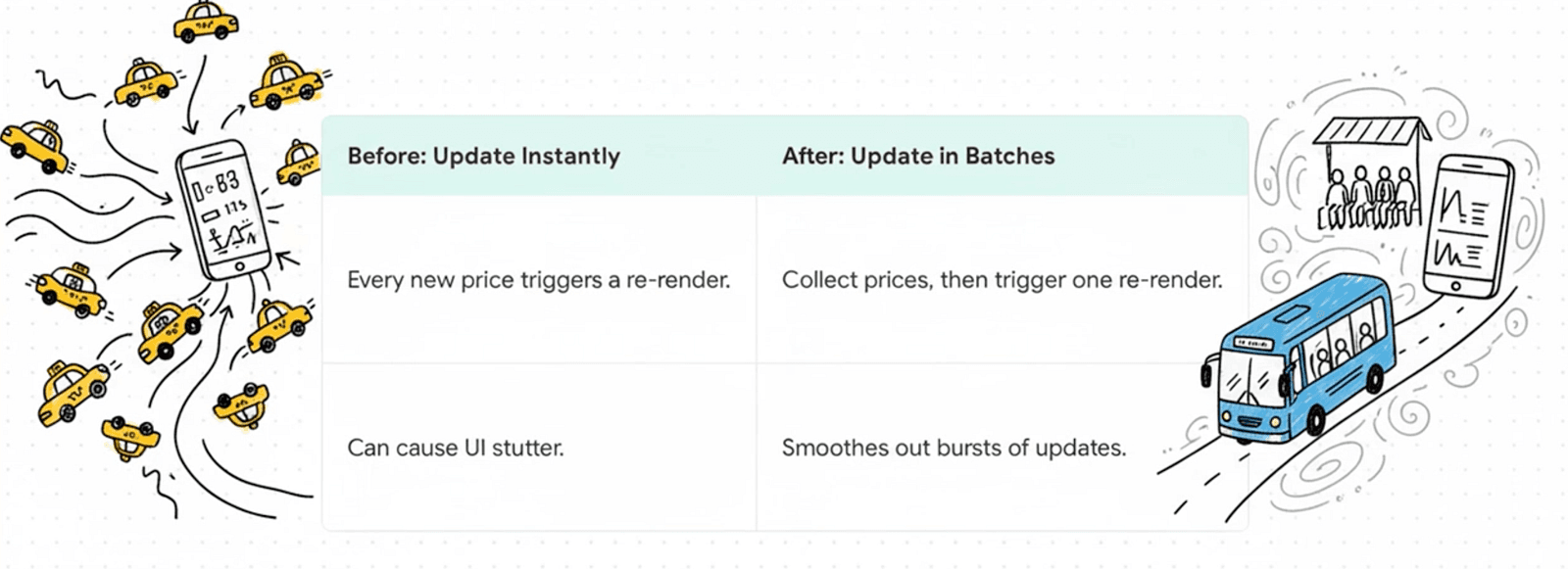
1. Batch updates instead of reacting to every tick
First question: how often does your UI actually need to change?
If you push every WebSocket tick straight into your store, you are asking for pain. Instead, batch updates over a short interval and apply them in one cycle. Fewer re renders, fewer state updates, especially when prices are moving aggressively.
Batching smooths out bursts and gives the UI a predictable rhythm. That matters a lot on weaker devices.
2. Update only what matters
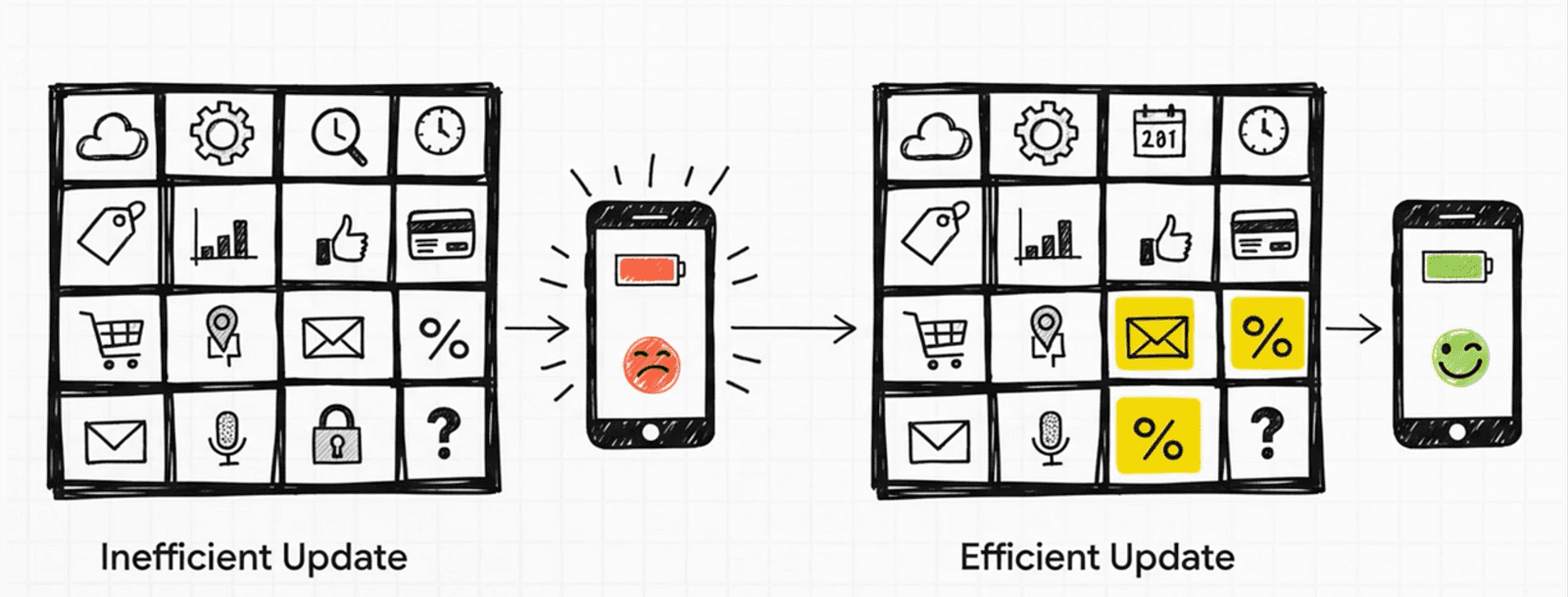
Not every field in a WebSocket payload deserves a store update.
We focus on what users actually see: price, volume, percentage change. If an update does not touch those, we often skip pushing it to the store. Less CPU, snappier UI.
Blindly propagating every incoming message is one of the fastest ways to kill performance in a real time app.
3. Normalize before the UI sees data
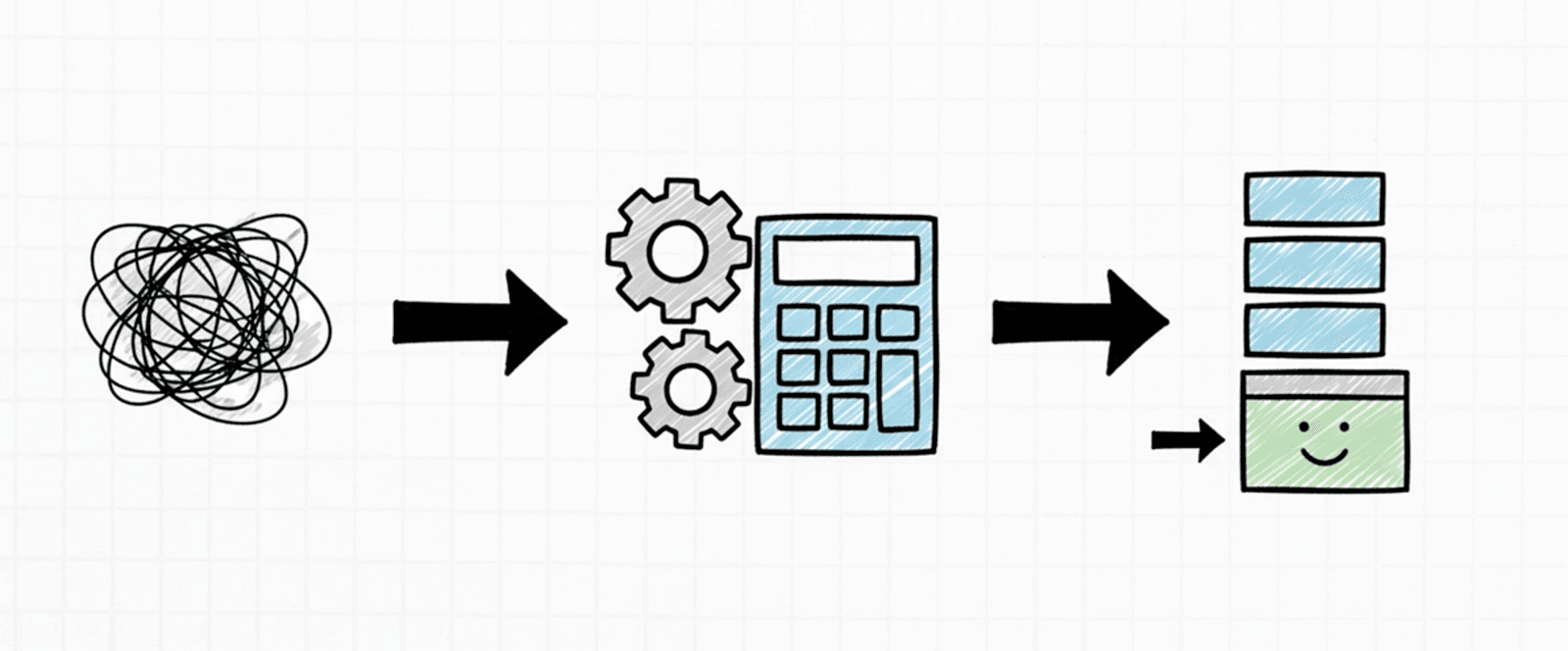
Do the heavy lifting before render time.
We normalize incoming data and pre format values (number formatting, rounding, precision) before it hits components. The UI should render, not transform data on every frame.
4. Use the right list patterns for your platform
Obvious but often skipped.
For lists, use the right component, enable virtualization, avoid rendering off screen items, and lazy load heavy screens when you can. On Android, one badly configured list can undo every other optimization you made.
FlatList rendering and scroll performance (React Native)
5. Subscribe atomically with Zustand
Global state is where a lot of real time apps bleed performance.
Classic mistake: a component subscribes to more state than it needs. Unrelated changes trigger re renders everywhere.
With Zustand, we subscribe to exact slices. A price row component subscribes to that symbol's price field, not the entire market object. It re renders only when that value changes.
Combined with batching and selective updates, this cut render frequency and CPU usage noticeably on Android under heavy load.
// marketStore.ts
type Market = {
  price: number;
  volume: number;
};

type MarketState = {
  markets: Record<string, Market>;
};

export const useMarketStore = create<MarketState>(() => ({
  markets: {},
}));

// ❌ Bad: subscribes to all symbols
const markets = useMarketStore((state) => state.markets);
const price = markets[symbol].price;

// ✅ Good: atomic subscription per symbol + field
const price = useMarketStore((state) => state.markets[symbol]?.price);
What I take away from this
Real time crypto apps are demanding by nature. You are not going to fix performance with one trick.
For us, the wins came from controlling update frequency, being picky about what hits the store, preprocessing data early, rendering lists properly, and keeping subscriptions atomic.
Performance is not a single optimization. It is a bunch of small, deliberate choices stacked together. Boring? Maybe. But your Android users will thank you.